Ready software for everyday business tasks.
Start with an existing product when its workflows fit your business. Explore the modules, request a guided demo and discuss setup or customization before making a decision.
Ready software solutions
Software for your clinic, store or restaurant.
Find the system that fits your team, then see how it works in a demo.
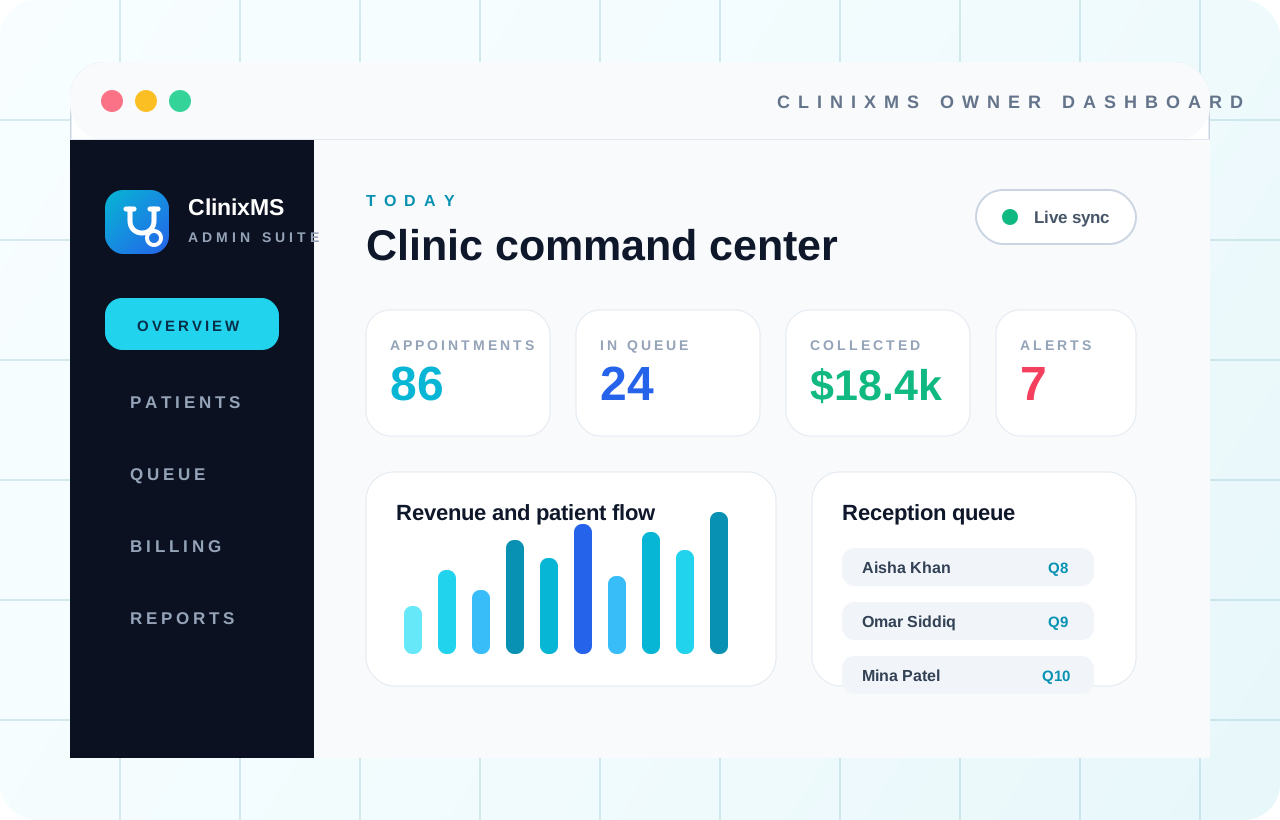
Clinic management system
ClinixMS
Bring appointments, patient records and billing together, so reception, doctors and management can stay on the same page.
- Keep appointments and patient queues moving
- Find patient history and prescriptions in one place
- Follow billing, payroll and clinic performance
- Private clinics
- Dental clinics
- Aesthetic clinics
- Multi-branch groups
Restaurant management system
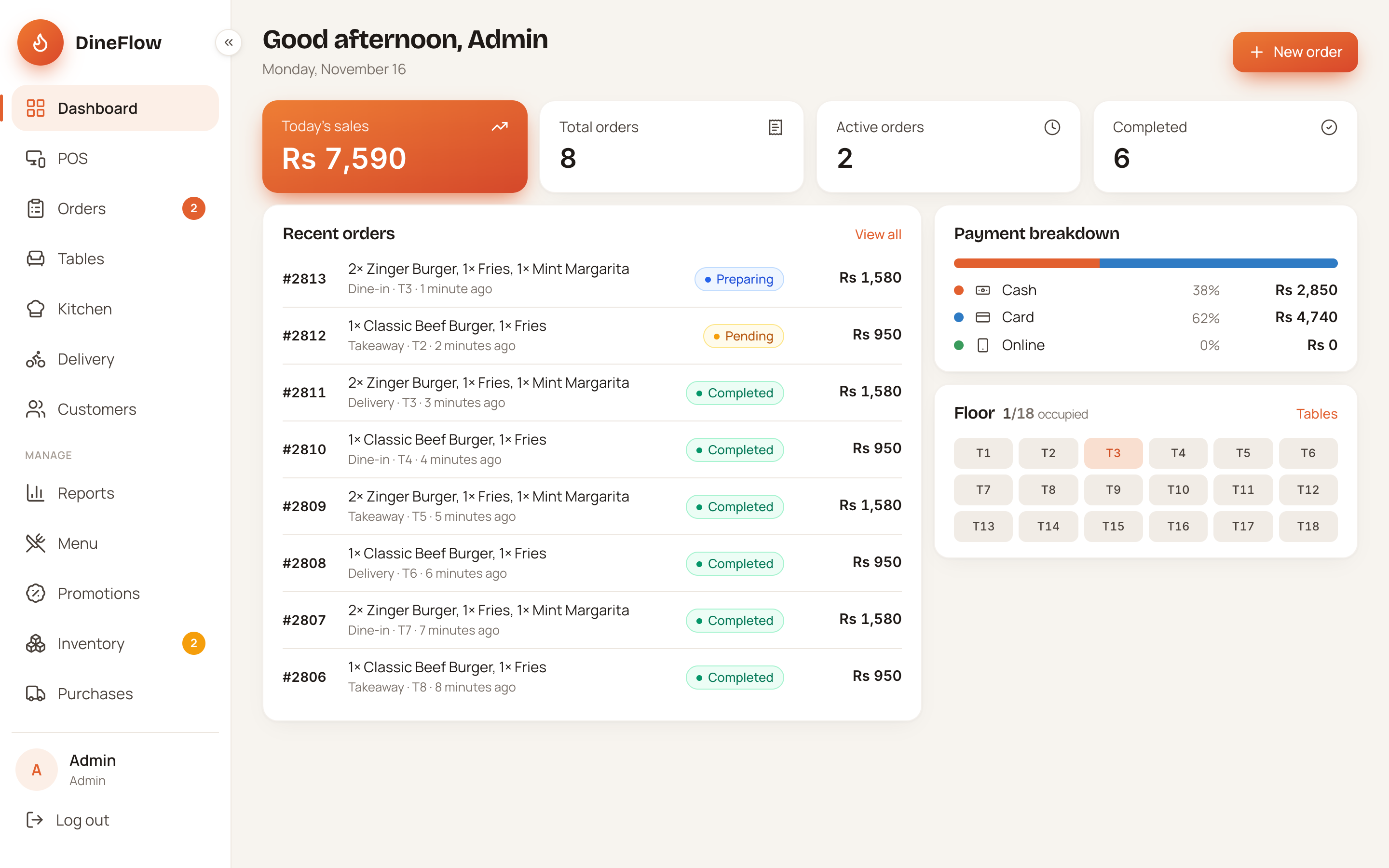
DineFlow POS
Keep the counter, kitchen and delivery team in sync, with orders, ingredients and daily takings connected from opening to closing.
- Send clear orders from the counter to the kitchen
- Keep ingredients, wastage and deliveries in check
- See daily sales, costs and cash at a glance
- Restaurants
- Cafes
- Takeaway
- Delivery kitchens
Inventory & accounts system
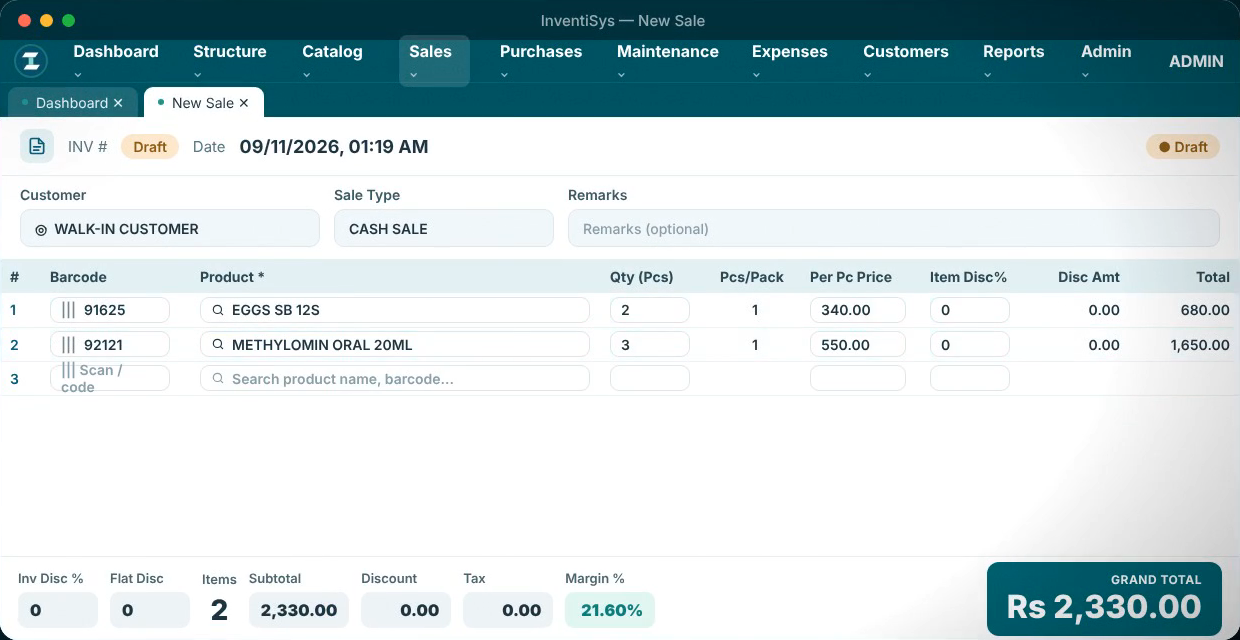
InventiSys
Know what is selling, what needs restocking and what is owed, with billing, purchases and accounts connected across your branches.
- Move through billing, returns and receipts faster
- Follow stock, batches and purchases at each branch
- Keep payments and stock changes under control
- Pharmacies
- Retail stores
- Wholesale
- Multi-branch chains
Ready product or custom software?
Start with an existing product
ClinixMS and InventiSys provide established modules that you can review in a demo. We compare those modules with your roles, records and daily tasks, then discuss setup, migration and any agreed changes.
Build around specific requirements
If a ready product cannot support important rules or workflows, a custom build may be more suitable. We define the requirements and first release before estimating the work.
Explore custom software developmentHow we assess the fit
- 01
Discuss the work
Describe the users, records and tasks that matter.
- 02
Review a demo
See the relevant modules and ask about limitations.
- 03
Define the setup
Agree configuration, data, permissions and any changes.
- 04
Plan the rollout
Confirm training, hosting and support responsibilities.
Custom development
Build around the way your business works.
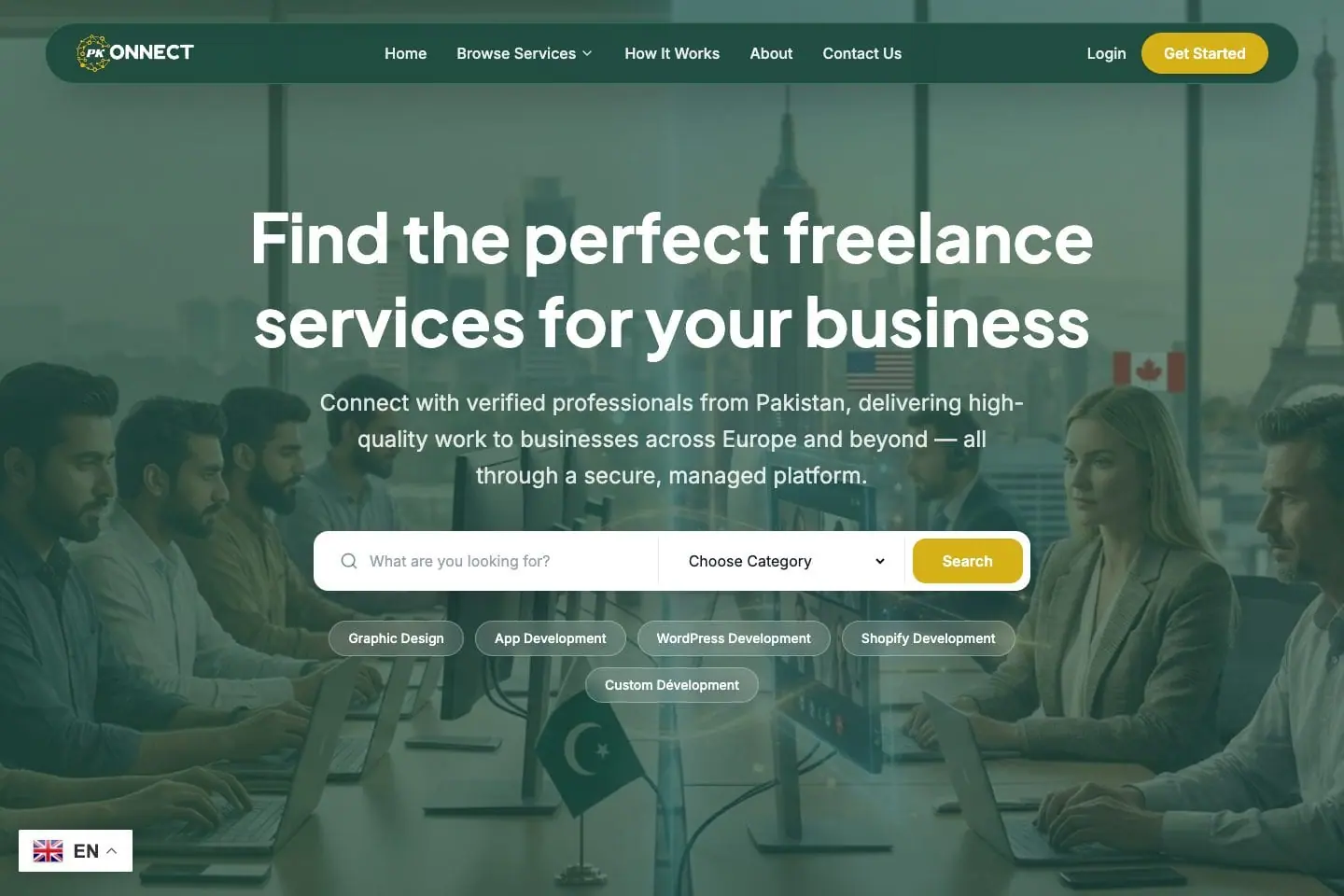
A marketplace and a consultancy CRM have different users and rules. These projects show the range of custom work we can discuss, from customer-facing platforms to connected business records.
- PkConnect Dev: end-to-end freelance platform development.
- Education Gate: website and custom CRM work; the image shows its public website.
Questions about ready software
Can we see the product before choosing?
Yes. Request the relevant product demo and describe your business so the team can focus the discussion.
Are the preview figures real customer results?
No. Illustrative previews use sample names, charts and figures to explain the interface.
Can the software be customized?
We assess requested changes against the product and quote agreed work separately where appropriate.
Can you import existing data?
We review available exports, data quality and the required fields before agreeing migration.
What does a rollout cost?
The quote depends on product fit, setup, users, hosting, migration, customization and support. These are discussed before commitment.